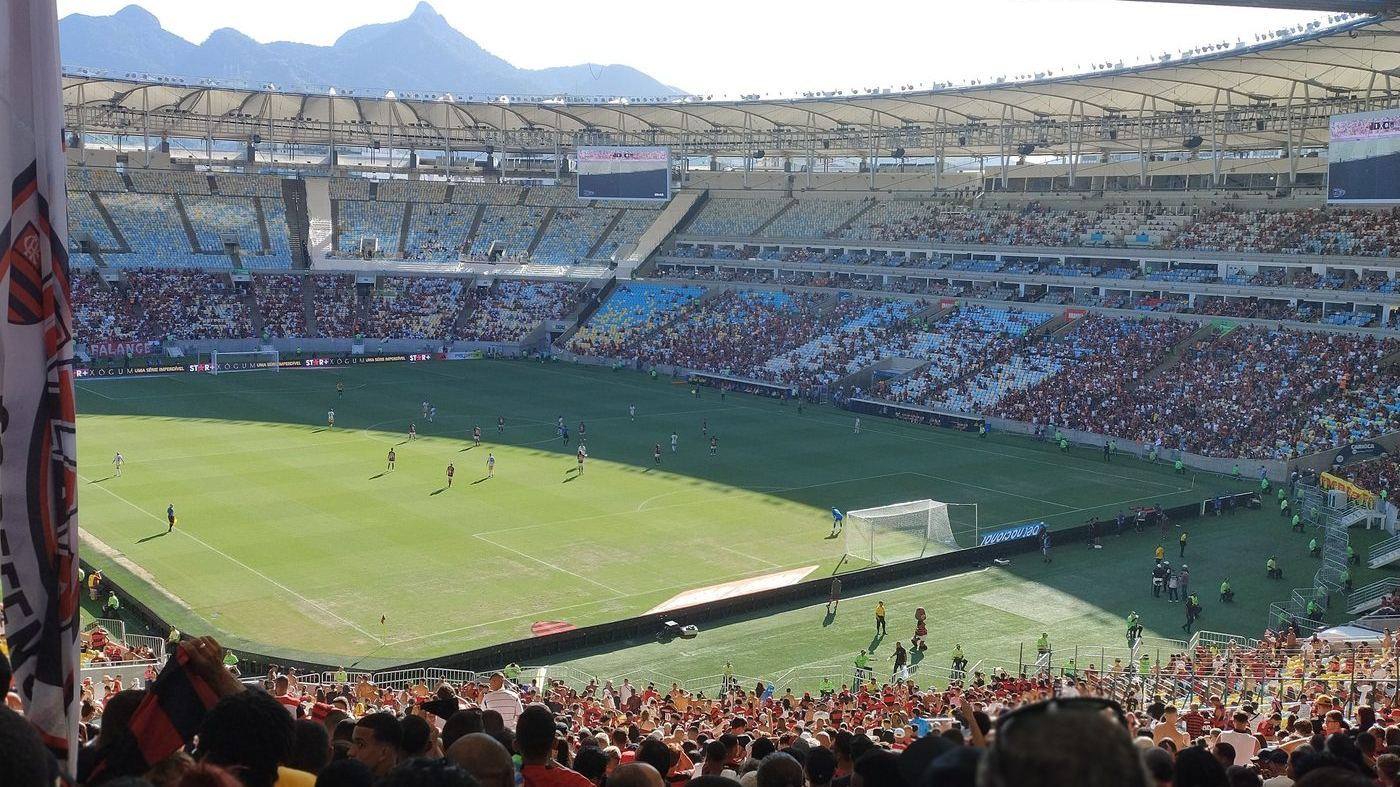
The FIFA World Cup 2026 kicks off on June 11 across the United States, Canada, and Mexico — and QR codes are at the centre of the entire experience. From digital match tickets and stadium WiFi to fan zone entry and watch party invites, QR codes are how the world connects to the biggest sporting event on the planet. Here is everything you need to know — including how to scan your ticket and create your own free QR code for the tournament.
How FIFA World Cup 2026 Uses QR Codes Everywhere
The 2026 tournament is the first World Cup hosted across three countries and 16 cities — making digital coordination essential. QR codes are woven into every layer of the fan experience:
Digital Match Tickets
All FIFA World Cup 2026 tickets are 100% digital. Each ticket contains a unique, encrypted QR code that is scanned at the stadium turnstile for entry. No paper printouts are accepted.
Fan ID Verification
FIFA's Fan ID system links your identity to a QR code. Stadium security scans it at access points to verify your identity and ticket in a single step.
Stadium WiFi
All 16 host stadiums provide free guest WiFi. Connection is handled via a QR code posted at entry points — scan it and you are online instantly, no password required.
Food & Beverage Ordering
Concession stands at World Cup venues use QR codes for contactless ordering. Scan at your seat or at the counter to browse the menu and pay without queuing.
Official Merchandise
FIFA's official merchandise stores use QR codes to verify authenticity, link to product pages, and process loyalty reward redemptions for supporters.
Fan Transport Passes
Host cities are providing QR-based transport passes for World Cup ticket holders, granting access to shuttles, metro lines, and park-and-ride services on match days.
How to Scan Your World Cup 2026 Ticket QR Code
Your FIFA World Cup 2026 ticket lives in the official FIFA app or was sent to your email as a QR code image. Here is how to use it at the stadium:
Open your ticket in the FIFA app or email
Download the official FIFA app and log in with the account you used to purchase. Your ticket QR code appears under "My Tickets". Keep the app open and screen brightness turned up before entering the queue.
Screenshot it as a backup
Stadium WiFi can be congested on match days. Take a screenshot of your QR code before you arrive so you have it ready offline — no signal needed.
Present at the turnstile scanner
Hold your phone screen flat, facing the scanner with the QR code fully visible. The turnstile scanner reads it in under a second. If you have multiple tickets, swipe through each one for your group.
Can't get in? Use the online decoder
If your QR code is not scanning from the screen, take a screenshot and upload it to our free QR code scanner to verify the content is correct and the code is undamaged.
Pro tip: FIFA World Cup 2026 tickets use dynamic QR codes that periodically refresh as an anti-fraud measure. Always use the live app version rather than a static screenshot when entering the stadium. Save the screenshot only as an emergency backup.
Stadium WiFi QR Codes at World Cup Host Cities
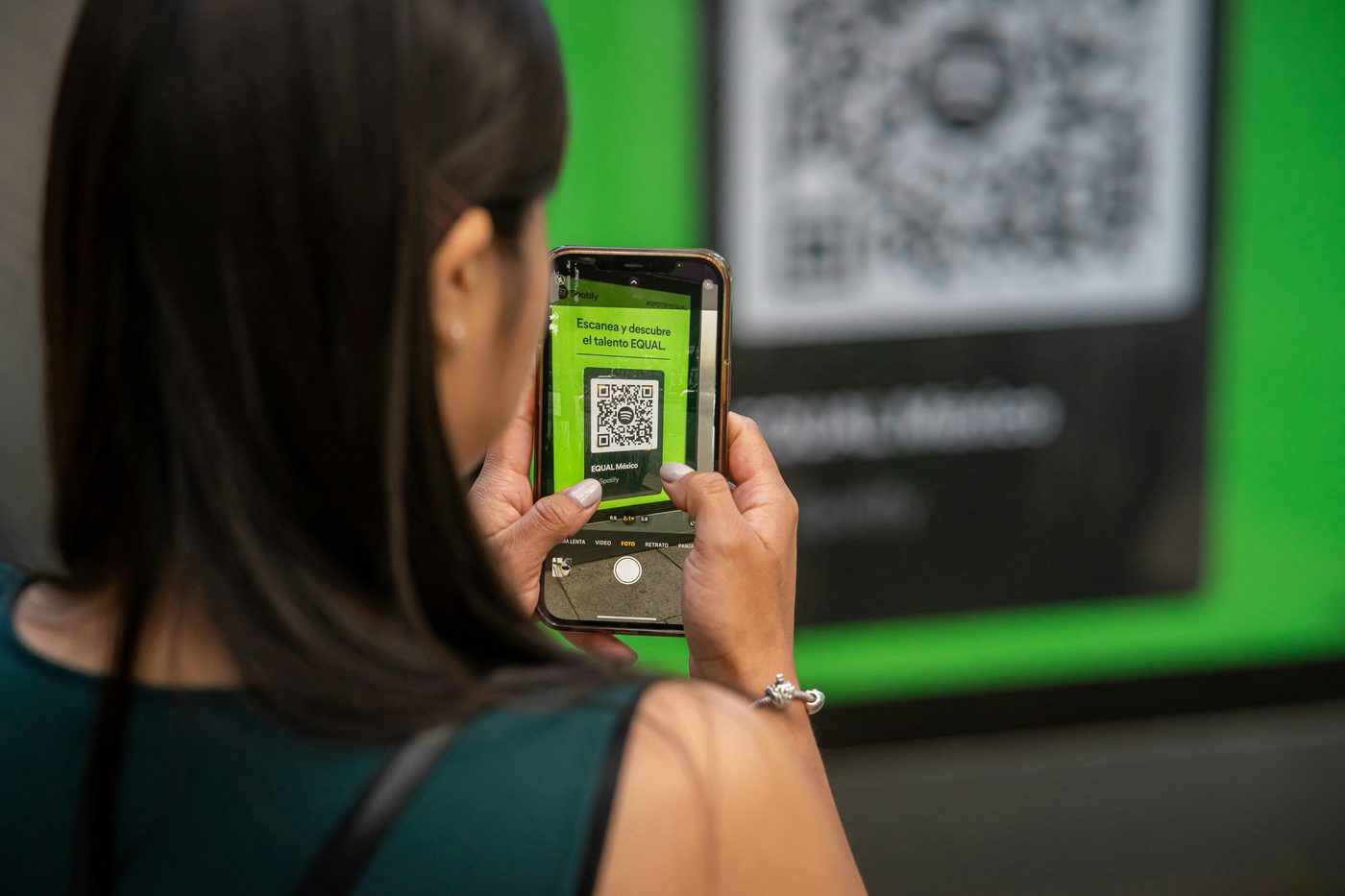
All 16 FIFA World Cup 2026 host stadiums across the USA, Canada, and Mexico provide free guest WiFi access via QR code. Simply scan the code posted at stadium entrances or on seat-back cards — no password, no registration form.
| Country | Host City | Stadium |
|---|---|---|
| 🇺🇸 USA | New York / New Jersey | MetLife Stadium (Final) |
| 🇺🇸 USA | Dallas | AT&T Stadium |
| 🇺🇸 USA | Los Angeles | SoFi Stadium |
| 🇺🇸 USA | Atlanta | Mercedes-Benz Stadium |
| 🇺🇸 USA | Houston | NRG Stadium |
| 🇺🇸 USA | Kansas City | Arrowhead Stadium |
| 🇺🇸 USA | San Francisco Bay Area | Levi's Stadium |
| 🇺🇸 USA | Philadelphia | Lincoln Financial Field |
| 🇺🇸 USA | Seattle | Lumen Field |
| 🇺🇸 USA | Boston | Gillette Stadium |
| 🇺🇸 USA | Miami | Hard Rock Stadium |
| 🇨🇦 Canada | Vancouver | BC Place |
| 🇨🇦 Canada | Toronto | BMO Field |
| 🇲🇽 Mexico | Mexico City | Estadio Azteca |
| 🇲🇽 Mexico | Monterrey | Estadio BBVA |
| 🇲🇽 Mexico | Guadalajara | Estadio Akron |
Need to share a WiFi network at your own venue or home watch party? Create a free WiFi QR code in seconds — guests scan and connect automatically, no password typing needed.
Create a Free QR Code for Your World Cup Watch Party
Millions of fans will be hosting watch parties across the world during the tournament. A QR code makes your event look professional and makes it easy for guests to join group chats, find the venue, RSVP, or connect to your WiFi.

Choose what your QR code links to
Decide on the content — a WhatsApp group link, Google Maps location, Facebook event, YouTube live stream, or your own website. Any URL works.
Generate it free in seconds
Visit our free QR code generator, paste your link, and your code is ready instantly. No account, no watermark, full-resolution PNG download.
Print or share digitally
Print it on a flyer, poster, or table card for your watch party venue. Or share it directly in messages so guests can scan from their phone before arriving.
URL QR Code
Link to your event page, live stream, match schedule, or group chat. Works with any URL.
WiFi QR Code
Let watch party guests connect to your WiFi instantly by scanning — no password sharing needed.
Contact QR Code
Organising a fan club or corporate watch event? Share your contact details with a single scan.
Email QR Code
Let fans email you to RSVP or enquire about your event — scan opens a pre-addressed email.
⚠️ Warning: Fake World Cup Ticket QR Codes
With 5 million tickets sold and massive global demand, FIFA World Cup 2026 is one of the biggest targets for ticket fraud in history. Scammers are selling fake digital tickets with fraudulent QR codes that look authentic but will be rejected at the turnstile.
Stay safe: Only purchase World Cup 2026 tickets from FIFA's official website or officially authorised resellers. Never buy QR code tickets from third-party marketplaces, social media sellers, or strangers outside stadiums.
How to spot a fake World Cup QR code ticket:
- It does not refresh: Genuine FIFA tickets use dynamic QR codes that rotate periodically. A static screenshot that never changes is a red flag.
- It does not open in the FIFA app: Legitimate tickets are linked to a verified FIFA account. If the QR code does not appear in your official FIFA app under "My Tickets", it was not legitimately purchased.
- The price is too low: Sold-out match QR codes being offered below face value are almost always counterfeit.
- Scan it to check the content: Use our free QR code scanner to decode the ticket and verify the URL it contains points to an official FIFA domain.
Decode any QR code instantly — upload a screenshot of your World Cup ticket or any QR code to verify its contents before you trust it.
Scan & Verify a QR Code →Frequently Asked Questions
Are FIFA World Cup 2026 tickets QR codes?
Yes. All FIFA World Cup 2026 tickets are 100% digital and use QR codes for stadium entry. Paper tickets are not issued. Tickets are managed through the official FIFA app, which displays a dynamic QR code that rotates periodically as an anti-fraud measure.
How do I scan my World Cup 2026 ticket?
Open the official FIFA app on your phone and navigate to "My Tickets". Present the QR code screen at the stadium turnstile scanner. Keep screen brightness high and the app open before joining the entry queue. If connectivity is poor, take a screenshot of the code as a backup.
Can I screenshot my FIFA World Cup ticket QR code?
You can screenshot it as an offline backup, but FIFA's dynamic QR codes rotate periodically, so a static screenshot may become invalid. Always use the live code in the FIFA app for entry. The screenshot is only useful if the app cannot load.
How can I tell if a World Cup ticket QR code is fake?
Genuine FIFA tickets have dynamic QR codes that update every minute — a static code is a major red flag. Also verify the ticket appears in your FIFA app under "My Tickets". You can scan the QR code with our free online scanner to check what URL or data it contains and whether it points to an official FIFA domain.
How do I create a free QR code for a World Cup watch party?
Visit freedigitalutilities.com/free-qr-code-generator, paste your event link, WhatsApp group URL, or live stream link, and download the QR code as a high-resolution PNG. It takes under 30 seconds, requires no account, and has no watermark.
Which cities are hosting FIFA World Cup 2026?
The 2026 World Cup is hosted across 16 cities in three countries — USA (New York/NJ, Dallas, Los Angeles, Atlanta, Houston, Kansas City, San Francisco Bay Area, Philadelphia, Seattle, Boston, Miami), Canada (Vancouver, Toronto), and Mexico (Mexico City, Monterrey, Guadalajara). The final is at MetLife Stadium in East Rutherford, New Jersey on July 19, 2026.
Do World Cup stadiums have free WiFi?
Yes. All 16 FIFA World Cup 2026 host stadiums offer free guest WiFi. Connection is provided via a QR code posted at stadium entrances — scan it and you connect automatically with no password needed.
When does FIFA World Cup 2026 start and end?
FIFA World Cup 2026 runs from June 11, 2026 to July 19, 2026. The opening match is on June 11 and the final takes place on July 19 at MetLife Stadium in New Jersey, USA.