The short answer is yes — a free electronic signature is legally valid in the United States, the UK, the European Union, and most countries worldwide. You do not need to pay for a premium service to sign a contract, agreement, or form with a legally binding electronic signature. This guide explains exactly why, where the limits are, and how to create one in under 60 seconds.
What Is a Free Electronic Signature?
An electronic signature (also called an e-signature or esignature) is any digital representation of your intent to sign a document. It can be:
Drawn Signature
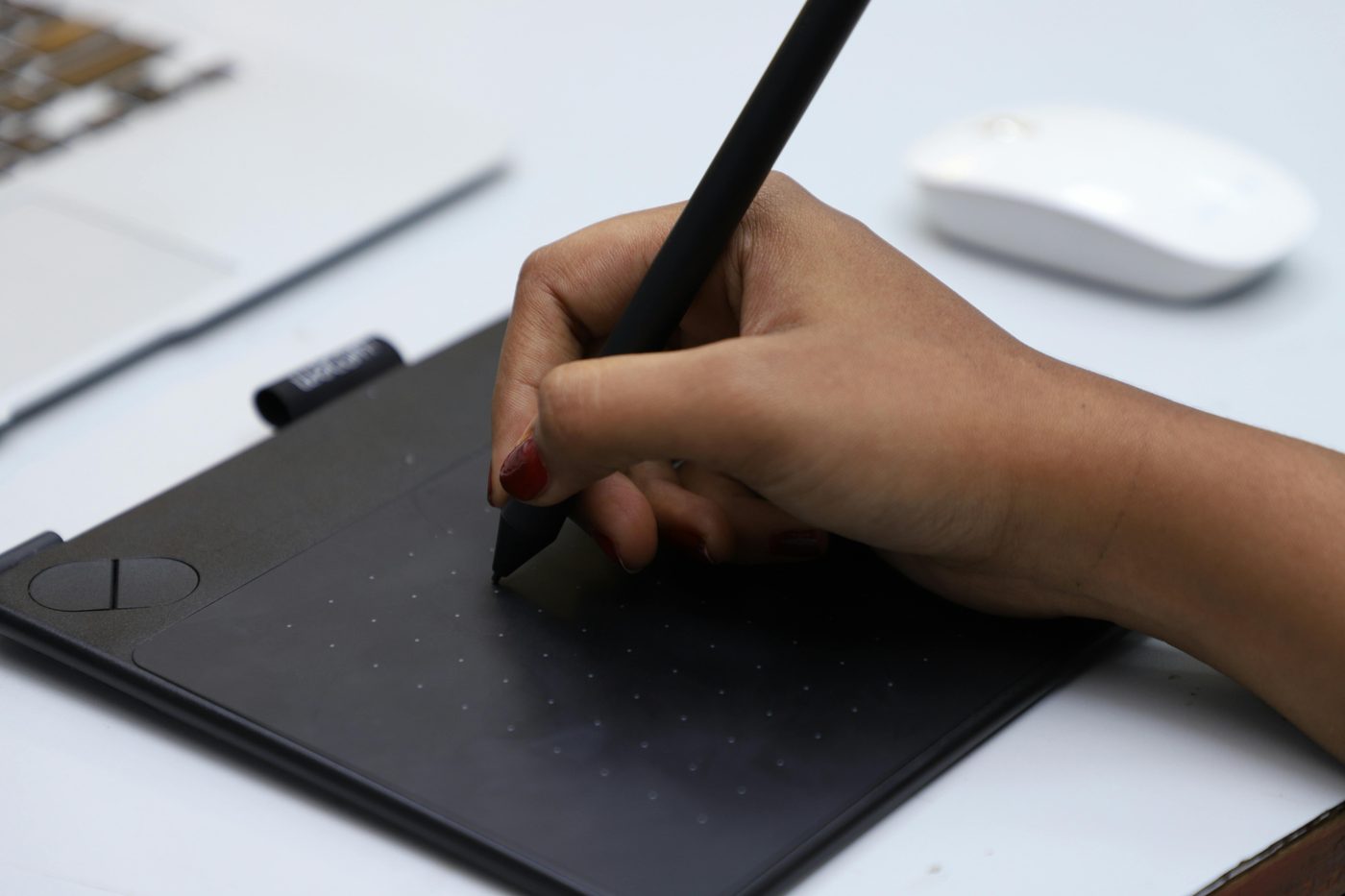
A handwritten signature created using a mouse, trackpad, touchscreen, or stylus — looks identical to a pen-on-paper signature.
Typed Signature
Your name typed in a cursive or script font. Widely accepted for most business and personal documents.
Uploaded Signature
A scanned or photographed image of your handwritten signature placed onto a document.
AI-Generated Signature
A unique handwritten-style signature generated by AI from your name — legally equivalent to the other methods.
All four methods are legally valid when used correctly. The visual style of the signature does not determine its legal standing — your intent to sign and consent to the transaction do.
Is a Free Electronic Signature Legally Binding?
Yes — and it has been for over two decades. Here is the legal basis in the major jurisdictions:
| Country / Region | Law | Status |
|---|---|---|
| 🇺🇸 United States | ESIGN Act (2000) + UETA | ✅ Legally binding in all 50 states |
| 🇬🇧 United Kingdom | Electronic Communications Act (2000) | ✅ Fully legally binding |
| 🇪🇺 European Union | eIDAS Regulation (2016) | ✅ Legally binding across all 27 EU member states |
| 🇨🇦 Canada | PIPEDA + provincial e-signature laws | ✅ Legally binding |
| 🇦🇺 Australia | Electronic Transactions Act (1999) | ✅ Legally binding |
| 🇮🇳 India | Information Technology Act (2000) | ✅ Legally binding |
| 🇵🇰 Pakistan | Electronic Transactions Ordinance (2002) | ✅ Legally binding |
| Most other countries | UNCITRAL Model Law on E-Commerce | ✅ Generally recognised |
Key point: The law does not require you to pay for an electronic signature service for it to be legally valid. What matters is that both parties intended to sign and consented to conduct the transaction electronically — not which tool or price tier was used.
Electronic Signature vs Digital Signature — What's the Difference?
These two terms are often used interchangeably but they are technically different:
| Electronic Signature | Digital Signature | |
|---|---|---|
| What it is | Any digital representation of signing intent (drawn, typed, uploaded) | A cryptographic seal that verifies identity and document integrity |
| Uses encryption? | No | Yes — uses public key infrastructure (PKI) |
| Who issues it | The signer themselves | A Certificate Authority (CA) |
| Cost | Free | Usually paid (requires a digital certificate) |
| Legal validity | Valid for most documents | Required for some government and regulated filings |
| Common uses | Contracts, NDAs, invoices, HR forms, agreements | Tax filings, government documents, regulated industries |
For the vast majority of everyday documents — employment contracts, rental agreements, NDAs, invoices, consent forms, purchase orders — a standard free electronic signature is perfectly sufficient and legally binding.

When Can't You Use a Free Electronic Signature?
Electronic signatures are not accepted for every document type. The following typically require a wet (physical) ink signature or a certified digital signature:
- Wills and testaments — most jurisdictions require a witnessed, handwritten signature
- Property deeds and land transfers — often require notarisation
- Court orders and legal judgments — require official judicial signatures
- Adoption and family law documents — jurisdiction-specific requirements often apply
- Negotiable instruments — cheques and promissory notes in some countries
When in doubt: Check with the receiving party before signing. If a government body, court, or financial institution specifically requests a "wet signature" or "certified digital signature", follow their instructions. For all other business and personal documents, a free electronic signature is standard practice.
Free vs Paid Electronic Signature — Do You Actually Need to Pay?
Paid services like DocuSign, Adobe Sign, and HelloSign offer workflow management, audit trails, and team features. But for individuals and small businesses signing documents occasionally, you are paying for features you do not need.
| Feature | Free E-Signature Tool | Paid Service (DocuSign etc.) |
|---|---|---|
| Legally binding | ✅ Yes | ✅ Yes |
| Draw / type / upload | ✅ Yes | ✅ Yes |
| Sign PDF documents | ✅ Yes | ✅ Yes |
| Download signed document | ✅ Yes | ✅ Yes |
| No account required | ✅ Yes | ❌ Account required |
| Send to others for signing | ❌ No | ✅ Yes |
| Audit trail / certificate | ❌ No | ✅ Yes |
| Team / workflow management | ❌ No | ✅ Yes |
| Cost | £0 / $0 | £15–£40/month |
Bottom line: If you need to sign your own documents and download them, a free tool does everything a paid service does. If you need to send documents to multiple parties for signing with automated reminders and a full audit trail, a paid service adds value.
How to Create a Free Electronic Signature in 60 Seconds
Open the free signature generator
Visit Free Electronic Signature Generator — no account, no download, works on any device including iPhone and Android.
Draw, type, or upload your signature
Choose your method: draw with your finger or mouse, type your name in a cursive font, or upload an image of your existing handwritten signature.
Sign your document directly
Upload your PDF or image document and place your signature anywhere on the page. Resize and reposition it with a drag.
Download and send
Click download — your signed document saves as a PDF instantly. Send it by email, WhatsApp, or any other channel. Done.
Create your free electronic signature now — draw, type or upload. Sign PDFs, no account needed.
Create Free E-Signature →Frequently Asked Questions
Is a free electronic signature legally valid?
Yes. Free electronic signatures are legally binding under the ESIGN Act in the USA, the Electronic Communications Act in the UK, eIDAS in the EU, and equivalent laws in most other countries. The legal validity comes from your intent to sign and consent to the transaction — not the price of the tool used.
What is the difference between an electronic signature and a digital signature?
An electronic signature is any digital representation of your signing intent — drawn, typed, or uploaded. A digital signature is a specific cryptographic technology using certificates issued by a Certificate Authority. Electronic signatures are free and valid for most documents. Digital signatures are usually paid and required for government filings or highly regulated industries.
Can I use a free electronic signature on a contract?
Yes. Contracts signed with a free electronic signature are legally binding in most jurisdictions, provided both parties consented to sign electronically. This covers employment contracts, NDAs, service agreements, rental contracts, purchase orders, and most other common business and personal agreements.
Do I need to create an account to get a free electronic signature?
No. freedigitalutilities.com/free-digital-signature-generator lets you draw, type, or upload a signature and sign a PDF without creating an account. Everything works in your browser with no login required.
Is a typed name a valid electronic signature?
Yes. A typed name in a cursive or script font is a legally recognised form of electronic signature in the US, UK, EU, and most other countries. It carries the same legal weight as a drawn signature when used with intent to sign.
Can I use a free e-signature on a PDF?
Yes. Upload your PDF to freedigitalutilities.com/free-digital-signature-generator, create or draw your signature, drag it to the correct position on the document, and download the signed PDF. No watermark, no account, completely free.
Are free electronic signatures safe to use?
Yes, when using a browser-based tool that processes everything locally. freedigitalutilities.com processes your signature entirely in your browser — your document and signature are never uploaded to any server, ensuring complete privacy.
Do I need to pay for DocuSign or Adobe Sign?
Only if you need workflow features like sending documents to multiple parties for signing, automated reminders, or a formal audit trail. For signing your own documents and downloading them, a free electronic signature tool does everything a paid service does at zero cost.