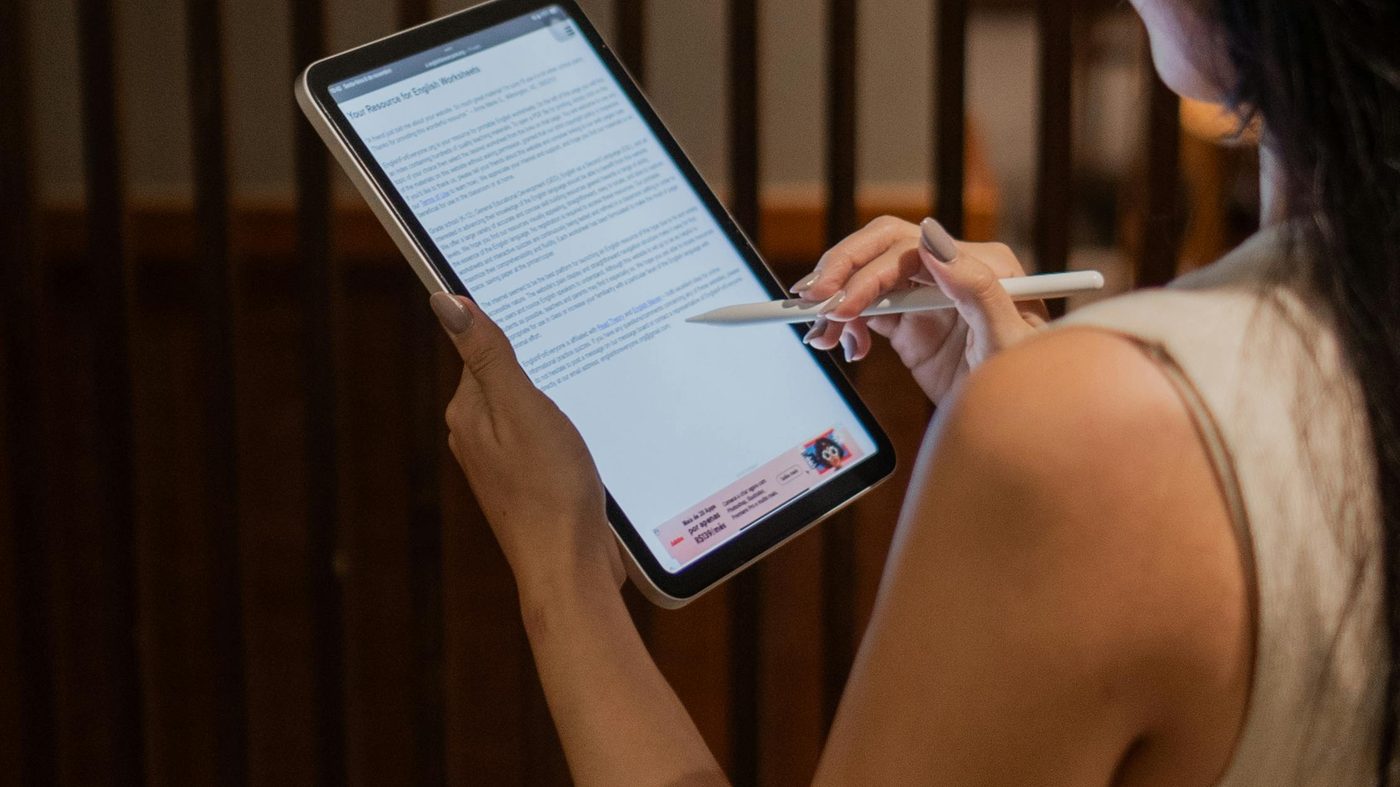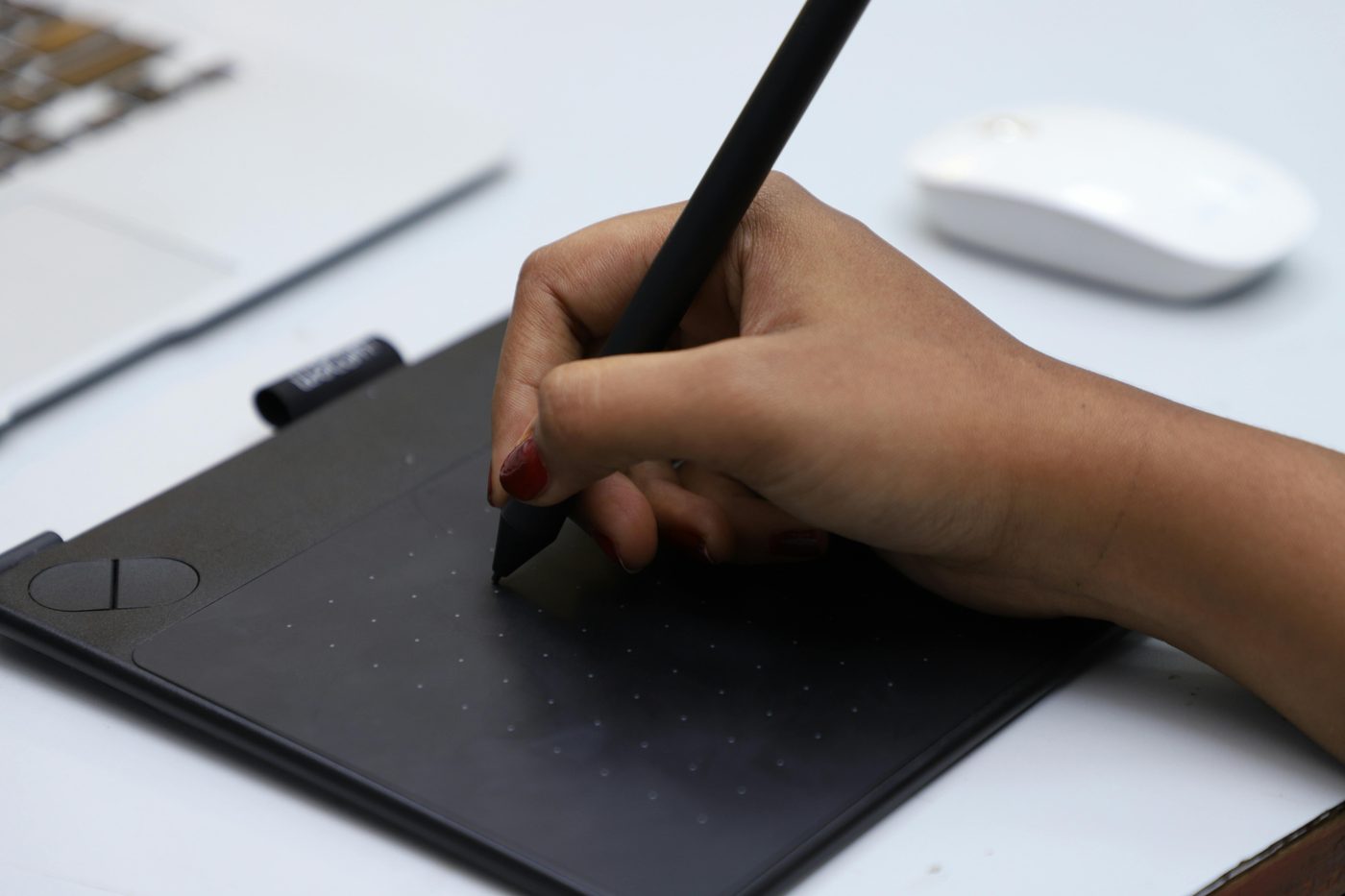
Most signature tools assume you have a touchscreen, a stylus, or handwriting worth digitising. But what if you don't? An AI signature generator removes all of that friction: type your name, click generate, and get a unique handwritten-style signature image in seconds — no drawing, no scanning, no design skill required. It looks hand-signed. It isn't. And nobody can tell the difference.
This is a different approach from simply drawing your signature on a pad. The AI creates a signature for you — with natural stroke variation and flow — based purely on your name as text input. In 2026, this is how freelancers, remote workers, and business owners get a professional signature without owning a single piece of paper. Here's everything you need to know.
No touchscreen needed. Our Free AI Signature Generator creates a unique handwritten-style signature from your name — no drawing, no account, no watermark. Type, generate, download PNG in under 60 seconds.
What Is an AI Signature Generator?
An AI signature generator is an online tool that uses artificial intelligence to create a handwritten-style signature image from your name or initials. Unlike simply choosing a font, the AI model generates a signature that looks genuinely hand-drawn — with natural stroke variation, flow, and personality — based on your input text.
The result is a high-resolution PNG image with a transparent background that you can place on PDF documents, Word files, emails, or anywhere else a signature is needed.
Instant Results
Type your name and get a signature image in seconds — no drawing, no scanning, no design skills needed.
Looks Handwritten
AI generates natural stroke variation and flow — far more authentic than any font-based signature tool.
Completely Free
No subscription, no hidden fees, no account required. Generate and download as many times as you like.
No Upload Required
Your name is processed in the browser — no personal data stored, no files sent to a server.
Transparent PNG
Downloads with a transparent background — place it on any document without a white box appearing.
Works on Any Device
Use on desktop, laptop, tablet, or phone — no app needed, runs directly in your browser.
AI Signature vs Typed Signature vs Drawn Signature
There are three ways to create a digital signature. Here's how they compare:
| Method | Looks Like | Skill Needed | Best For |
|---|---|---|---|
| AI Generated | Handwritten, unique, stylised | None — just type your name | Professional documents, anyone without a touchscreen |
| Drawn | Your actual signature | Requires mouse/stylus/touchscreen | Those who want their real signature digitised |
| Typed (font) | Looks like a script font | None | Quick internal documents — least authentic look |
| Scanned | Exact physical signature | Requires scanner or phone camera | Replicating a physical wet-ink signature |
AI-generated signatures are the best option for anyone who wants a professional, handwritten-looking signature without a touchscreen or drawing skill. They outperform typed/font signatures in every professional setting.
How to Use the Free AI Signature Generator — Step by Step
Open the AI Signature Generator
Go to Free AI Signature Generator — no account required, works instantly in your browser on any device. The tool loads in seconds with no software to install.
Enter Your Name
Type your full name, first name only, or the version you want to appear on documents. You can also try your initials for a shorter, more stylised monogram-style signature. The AI uses your exact text input to generate the signature.
Generate Your Signature
Click Generate — the AI model (powered by Flux) creates a unique handwritten-style signature image based on your name. Each generation produces a different variation, so regenerate as many times as you like until you find the perfect style.
Review and Regenerate if Needed
Look at the generated signature for clarity, flow, and style. If the first result isn't quite right — too loose, too tight, or the letters aren't readable — simply regenerate. There's no limit on how many times you can generate.
Download as PNG
Once you're happy, click Download. Your signature saves as a PNG file with a transparent background — ready to use on PDFs, Word documents, emails, and more. No watermark, no credit, completely free to use.
Use It on Your Documents
Place your signature PNG on any PDF using our free PDF signing tool, or on a Word document using our Word document signing tool. Both tools let you position and resize the signature image precisely on any page.
Create your free AI signature in under 60 seconds — no account, no watermark, instant PNG download.
Generate My AI Signature Free →Who Needs a Free AI Signature Generator?
AI signature generators are used across industries and roles. Here's who benefits most:
Freelancers & Contractors
Sign client contracts, invoices, and NDAs professionally without printing a single page.
Small Business Owners
Sign supplier agreements, employee onboarding documents, and business contracts digitally.
Students
Sign consent forms, application letters, academic declarations, and internship agreements online.
Remote Workers
Sign HR documents, offer letters, and remote working agreements without needing a printer or scanner.
Professionals
Add a handwritten-style signature to your email footer for a polished, personal touch.
International Users
Works in any language — generate signatures from non-Latin names and scripts with the same quality.
Is an AI-Generated Signature Legally Valid?
This is the most common question — and the answer depends on your country and document type.
Short answer: In most countries, an electronic signature — including an AI-generated signature image — is legally valid for the vast majority of everyday documents under laws like the ESIGN Act (USA), eIDAS Regulation (EU/UK), and equivalent legislation worldwide.
Here's what determines legal validity:
- Intent to sign — the person applying the signature must intend it as their signature. Using an AI signature generator and placing it on a document establishes this intent.
- Document type — most commercial contracts, NDAs, freelance agreements, employment documents, and business forms are fully valid with electronic signatures.
- Exceptions — wills, property deeds, and certain government forms typically require a wet-ink (physical) or qualified digital signature with a certificate. Check your local requirements for high-stakes documents.
- Record keeping — keep a record of when and why you signed a document. The signature image itself combined with email timestamps provides a reasonable audit trail for most purposes.
For everyday professional documents — invoices, service agreements, offer letters, NDAs — an AI-generated signature is widely accepted and legally sufficient.
Where to Use Your AI Signature
Sign PDF Documents
The most common use. Upload any PDF to our free PDF signing tool, place your AI-generated signature on the signature line, resize it to fit, and download. Takes under two minutes for any PDF — contracts, forms, agreements, applications.
Sign Word Documents
Use our Word document signing tool to add your signature PNG directly to a .docx file — no printing, no scanning, no converting to PDF first. The signature image inserts inline and can be repositioned anywhere on the page.
Email Signature
Upload the PNG to your email client — Gmail, Outlook, Apple Mail — as part of your email signature. A handwritten-looking signature in your email footer looks far more professional than a typed name and adds a personal touch to every message you send.
Business Cards & Personal Branding
Add your AI signature to digital business cards, your LinkedIn profile, your website's "About" page, or presentation decks. A signature adds authenticity and personality to personal branding materials.
Invoices & Quotes
Insert your signature image into invoice templates in Word, Google Docs, or Excel. A signed invoice looks more professional and complete than an unsigned one — and signals that the document is authorised and ready for payment.
Tips for Getting the Best AI Signature
- Try different name formats — your full name, first name only, initials, or a shortened version all produce different-looking signatures. Test each to find what looks most like "you."
- Regenerate multiple times — each generation is unique. Generate 5–10 variations and pick the one with the best balance of readability and style.
- Look for natural flow — a good signature has connected letterforms and a consistent lean direction. Reject any generation that looks choppy or disconnected.
- Check legibility — your signature should at least suggest your name, even if it's stylised. Avoid results where the letters are completely unrecognisable.
- Save multiple versions — download 2–3 different styles and keep them. Use a full flowing version for formal documents and a shorter version for email footers or initialling pages.
- Test on a dark background — since the PNG has a transparent background, preview it on both white and dark surfaces to make sure the ink colour works in both contexts.
Prefer to draw your own? If you have a touchscreen or mouse and want your actual handwriting, use our Free Digital Signature Generator instead — draw directly on the canvas and download with the same transparent PNG format.
Frequently Asked Questions
Is the AI signature generator really free?
Yes — completely free. Our AI Signature Generator has no hidden fees, no subscription, and no account required. You can generate and download as many signatures as you need at no cost.
Does the AI signature look handwritten or like a font?
It looks genuinely handwritten — not like a font. The AI model (Flux) generates a signature image with natural stroke variation, flow, and style rather than applying a fixed typeface. Each generation produces a unique result, so no two outputs are identical even from the same name input.
Can I use an AI signature on legal documents?
For most everyday legal and business documents — contracts, NDAs, employment agreements, freelance invoices — yes. Electronic signatures are legally valid under the ESIGN Act (USA), eIDAS (EU/UK), and equivalent laws worldwide. For high-stakes documents like wills or property transfers, check your local jurisdiction's specific requirements.
Is my name stored or shared when I generate a signature?
No. The generation process does not store your name or signature. Your input is sent to the AI model to generate the image and is not retained, logged, or associated with your device or browser session.
What format does the AI signature download in?
PNG with a transparent background. This is the best format for placing signatures on documents — there's no white rectangle showing around the signature, so it looks clean on any document background. The file is high resolution and suitable for both digital use and printing.
How many times can I generate a signature?
Unlimited. There's no cap on how many times you can generate, regenerate, or download. You can create a new signature anytime — useful if you want to refresh your signature style or create variations for different purposes.
Can I use the AI signature generator on my phone?
Yes — the tool works on any modern smartphone browser (Chrome, Safari, Firefox). No app download needed. It's particularly useful on mobile for signing documents you receive by email when you're away from your desk.
What's the difference between an AI signature and an electronic signature?
An AI signature is an image of a handwritten-looking signature, created by artificial intelligence. An electronic signature is a broader legal concept that includes any digital means of signing — typed names, drawn signatures, scanned signatures, and AI-generated images all qualify as electronic signatures. So an AI signature is one type of electronic signature.
Create Your Free AI Signature Now
Whether you're a freelancer signing your first client contract, a business owner updating your email footer, or simply tired of printing documents just to sign them, an AI signature generator gives you a professional result in seconds — completely free.
No drawing skill, no touchscreen, no account, no subscription. Type your name, generate, download, and use it everywhere.
Free AI Signature Generator — unique, handwritten-style, transparent PNG. No account. No watermark.
Create My Free AI Signature →