An electronic signature is the fastest, most practical way to sign contracts, agreements, and forms without printing a single page. Yet most people still aren't sure whether they're legally valid, how they differ from a "digital signature," or where to get one for free without handing over an email address. This guide answers all three — and has you signing documents in under two minutes.
Quick start: If you just need a free electronic signature right now, go to the Free Electronic Signature Generator — draw, type, or generate one with AI, then download it as a PNG. No account, no watermark, no expiry.
What Is an Electronic Signature?
An electronic signature — often shortened to e-signature — is any digital mark you apply to a document to show your agreement or approval. It can be:
- A drawn signature made with your finger or mouse
- A typed name rendered in a signature-style font
- An uploaded image of your handwritten signature
- An AI-generated signature created from your name
What makes it an "electronic" signature is simply that it exists in digital form and is applied to a digital document. That's it. There's no special software, certificate, or government registration required for everyday use.
Is an Electronic Signature Legally Valid?
For the vast majority of documents — yes, absolutely. Electronic signatures are legally recognised in over 60 countries under legislation that has been in place for more than two decades:
| Region | Law / Regulation | Status |
|---|---|---|
| United States | ESIGN Act (2000), UETA | ✅ Legally binding |
| European Union | eIDAS Regulation (2016) | ✅ Legally binding |
| United Kingdom | Electronic Communications Act 2000 | ✅ Legally binding |
| Australia | Electronic Transactions Act 1999 | ✅ Legally binding |
| Canada | PIPEDA + provincial e-sign laws | ✅ Legally binding |
| India | Information Technology Act 2000 | ✅ Legally binding |
Electronic signatures are valid for freelance contracts, NDAs, job offer letters, rental agreements, sales contracts, and most business documents. The main exceptions are documents that legally require a wet ink signature or notarisation — such as wills, property deeds in certain jurisdictions, and court orders. For everything else, an e-signature holds the same legal weight as signing with a pen.
What makes an e-signature legally enforceable? Courts look for evidence of intent to sign, consent to do business electronically, and a clear association between the signature and the signer. Keeping a copy of the signed document — with a timestamp — satisfies all three requirements for most commercial purposes.
Electronic Signature vs Digital Signature — What's the Difference?
These terms are often used interchangeably, but they mean different things in technical and legal contexts:
| Electronic Signature | Digital Signature | |
|---|---|---|
| What it is | A visual mark applied to a document | A cryptographic certificate linked to a document |
| How it works | Image, drawn mark, or typed name | Public key infrastructure (PKI) encryption |
| Requires certificate? | No | Yes — from a Certificate Authority |
| Best for | Contracts, forms, everyday documents | High-security documents, regulated industries |
| Cost | Free | Usually paid (annual certificate fee) |
| Setup time | Under 2 minutes | Hours to days |
For 95% of use cases — business contracts, freelance agreements, HR documents, rental forms — an electronic signature is exactly what you need. Digital signatures are reserved for highly regulated sectors like banking, healthcare, and government procurement where cryptographic proof of identity is required.

How to Create a Free Electronic Signature Online
You can create your electronic signature in under 60 seconds — no account, no watermark, no cost.
Open the Free Signature Generator
Go to Free Electronic Signature Generator. It opens instantly in any browser — desktop or mobile.
Draw, Type, or Generate with AI
Draw: Use your mouse, trackpad, or finger to draw your signature naturally on the canvas. Type: Enter your name and choose from signature-style rendering options. AI: Enter your name and generate 6 unique handwritten-style signatures instantly.
Adjust Colour and Thickness
Choose black, blue, or a custom colour. Adjust pen thickness to match your natural writing style. The transparent background means it overlays cleanly on any document.
Download Your Signature
Export as PNG (transparent background — best for placing on documents), JPG (white background), or PDF. Your signature downloads instantly — it never touches any server.
How to Use Your Electronic Signature to Sign a Document
Once you have your signature file, signing a PDF takes less than a minute:

Open the Sign PDF Tool
Go to Sign PDF Online and upload the document you need to sign.
Add Your Signature
Draw directly on the document, type your name, or upload the PNG signature you just created. Drag it to the exact position required on the page.
Resize and Position
Drag the corners to resize, and drag the signature itself to position it over the signature line. Add date text or initials on other pages if needed.
Download the Signed PDF
Click Download — your signed PDF is ready to send by email, upload to a portal, or save to your device. The signature is permanently embedded in the document.
When Do You Need an Electronic Signature?
Freelance Contracts
Service agreements, project proposals, and client contracts. An e-signature makes the agreement binding without back-and-forth postal delays.
Rental Agreements
Tenancy agreements, lease renewals, and landlord consent letters. Both parties can sign digitally and keep a timestamped copy.
HR Documents
Job offer letters, NDAs, onboarding forms, and policy acknowledgements. E-signatures speed up hiring without losing legal validity.
Business Agreements
Partnership agreements, vendor contracts, and purchase orders. Suitable for cross-border deals where mailing physical documents isn't practical.
Your privacy is protected. Our signature tool runs entirely in your browser. Your signature and documents are never uploaded to any server, stored in any database, or shared with any third party. Everything stays on your device.
Tips for a Professional-Looking Electronic Signature
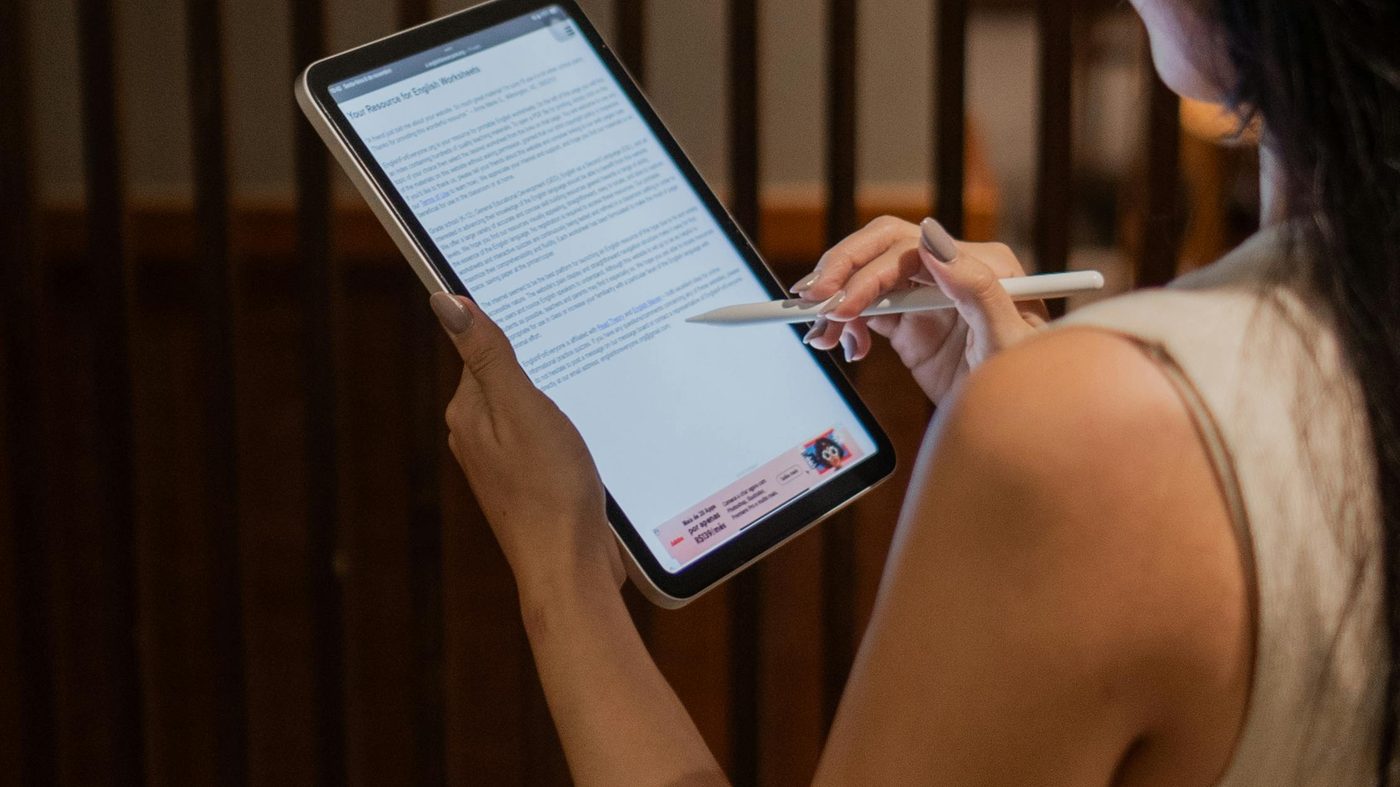
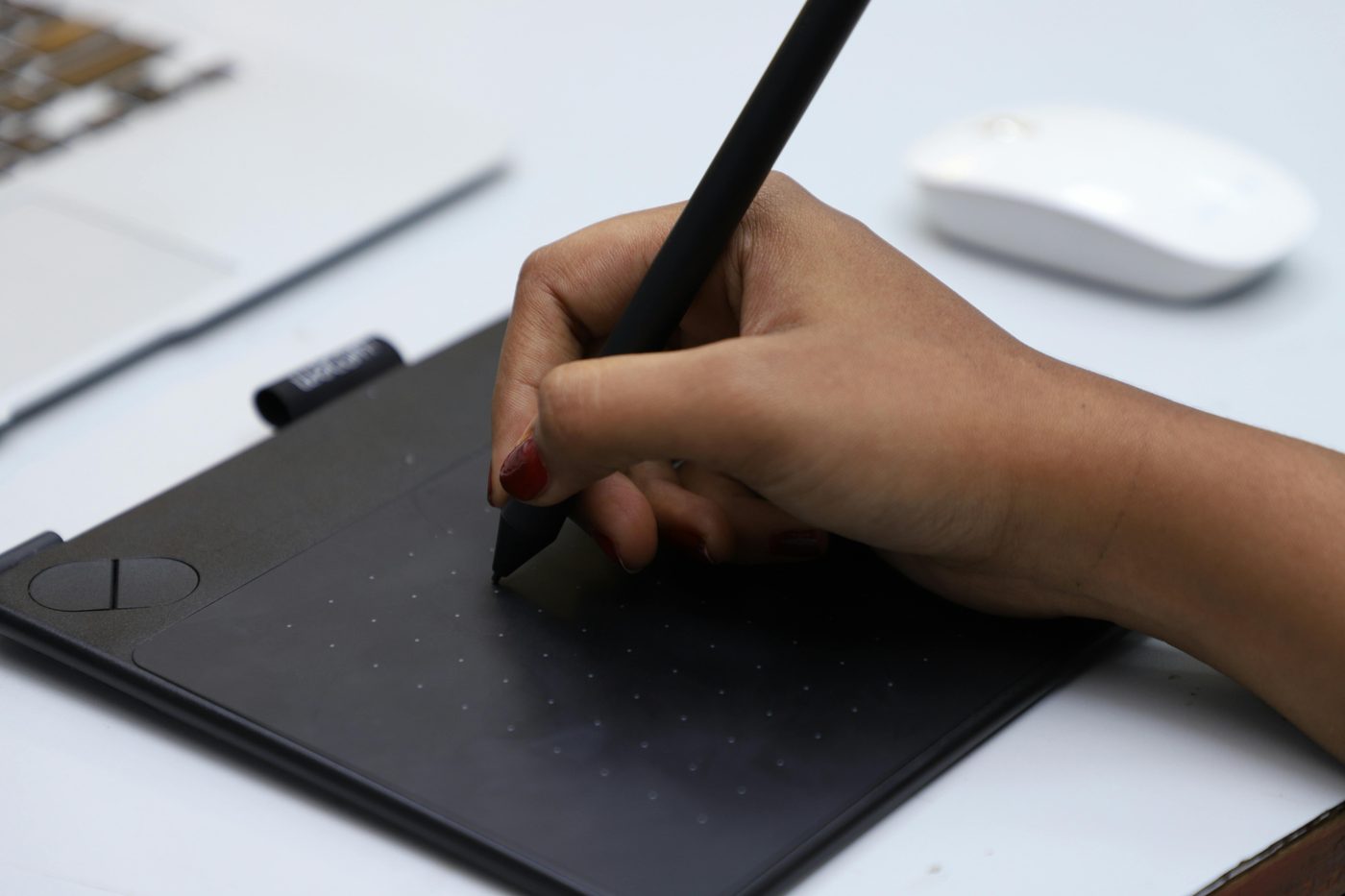
- Use a stylus or phone screen — drawing with a finger on a touchscreen produces a more natural result than a mouse on a desktop.
- Keep it simple — overly complex signatures are harder to reproduce consistently. A clean, flowing mark looks more professional than a detailed drawing.
- Use transparent PNG format — this lets the signature sit cleanly over any document background without a white box around it.
- Save your signature file — once you have a version you like, keep the PNG saved on your device so you can reuse it across future documents without recreating it each time.
- Sign in blue or black — blue ink looks more like a real handwritten signature on screen and helps distinguish your signature from printed text on the document.
Create your free electronic signature in under 60 seconds — no account, no watermark, works on any device.
Create Electronic Signature Free →Frequently Asked Questions
Is a free electronic signature legally binding?
Yes — in the US, UK, EU, Canada, Australia, and most countries worldwide, electronic signatures carry the same legal weight as a handwritten signature for the vast majority of documents. Laws like the US ESIGN Act and the EU eIDAS Regulation have confirmed this for over two decades. The main exceptions are wills, property deeds, and court documents in certain jurisdictions.
Do I need to create an account to get a free electronic signature?
No — our free electronic signature generator requires zero sign-up. Open the tool, draw or type your signature, and download it immediately. There are no free trials, no credit cards, and no email required.
What's the difference between an electronic signature and a digital signature?
An electronic signature is a visual mark — a drawn, typed, or generated image — applied to a document. A digital signature is a cryptographic certificate that uses public key infrastructure (PKI) to verify identity and document integrity. Electronic signatures are free and instant; digital signatures require a paid certificate from a Certificate Authority. For standard business documents, an electronic signature is sufficient.
Can I use an electronic signature on a Word document?
Yes — download your signature as a PNG, then insert it as an image into your Word document at the signature line. Alternatively, use our Sign Word Document Online tool to upload the .docx and place your signature directly without needing to open Word.
Is my signature stored on your servers?
No — the signature generator runs entirely in your browser using JavaScript. Nothing you draw or download is sent to any server. Your signature stays on your device only.
Can I create an electronic signature on my phone?
Yes — the signature generator works on any smartphone or tablet browser. Drawing with your finger on a touchscreen often produces a more natural-looking result than using a mouse on desktop.
What format should I download my electronic signature in?
Download as PNG for the best result — PNG supports a transparent background, so your signature sits cleanly on top of any document without a white box around it. Use JPG only if the platform you're uploading to doesn't accept PNG files.