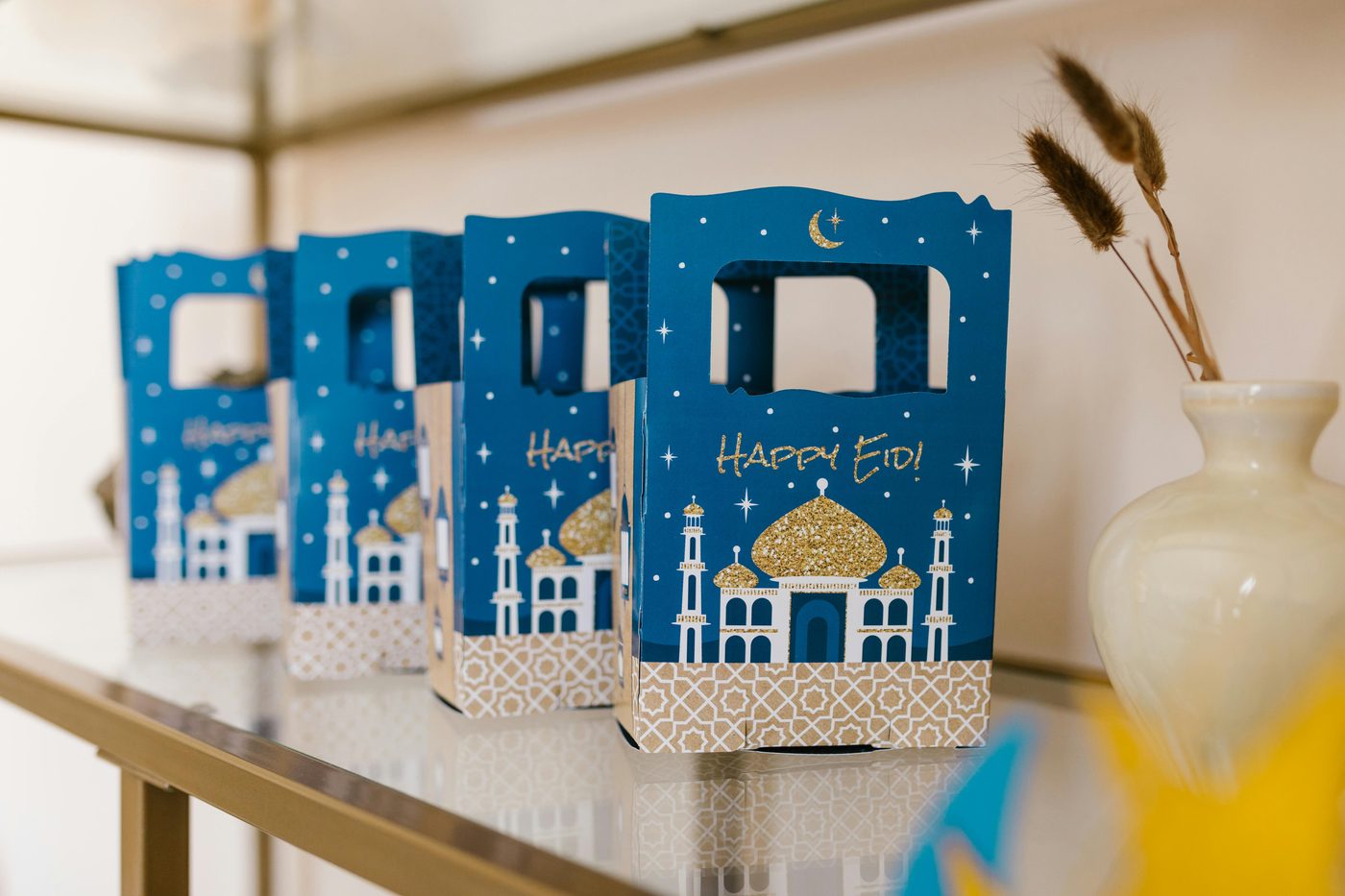
Eid ul Adha is one of the most celebrated occasions in the Islamic calendar — a time for family gatherings, heartfelt greetings, gifts, and generosity. In 2026, more families are spread across cities and countries than ever before. A free Eid ul Adha QR code bridges that gap: scan once and instantly receive a personal video message, a greeting card, a gift, a location pin, or a donation link — no app needed, no typing, no friction.
Whether you're sending Eid greetings to relatives abroad, sharing a digital Eid card with colleagues, or organising a family gathering, QR codes make it effortless. And the best part — you can create one in under two minutes, completely free.
No app required. Every modern iPhone and Android can scan QR codes directly through the built-in camera app — no download, no sign-up. Point, tap, done. Perfect for all ages, from kids to grandparents.
Why QR Codes Are Perfect for Eid ul Adha 2026
Traditional Eid greeting cards are lovely — but they take days to arrive, cost money to post, and often get lost. WhatsApp messages get buried in group chats within minutes. A QR code for Eid is different: it's physical and digital at once. Print it on a card, stick it on a gift, or share it as an image — and the recipient gets a rich, personal experience the moment they scan it.
Send Across Borders
Share Eid greetings with family abroad instantly — no postage, no delays, no lost parcels.
Add to Gifts
Stick a QR code on an Eid gift that links to a personal video message or a heartfelt letter.
Eidi Made Easy
Share a payment QR code for Eidi — children and relatives receive it instantly on their phones.
Share Prayer Times
Link to local Eid prayer timings and mosque locations — a genuinely useful gift for guests.
Charity & Sadaqah
Create a QR code that links directly to a charity donation page — a meaningful Eid gesture.
Gathering Location
Share your Eid party or family gathering address as a QR code — guests tap to open Google Maps instantly.
8 Creative Ways to Use a QR Code for Eid ul Adha
Personal Eid Video Message
Record a short video saying "Eid Mubarak" and upload it to YouTube (unlisted) or Google Drive. Generate a URL QR code pointing to the video. Print it on a card and give it to parents, grandparents, or close family. A personal video message scanned from a QR code feels far more meaningful than a forwarded WhatsApp image — and it takes less than five minutes to set up.
Digital Eid Greeting Card
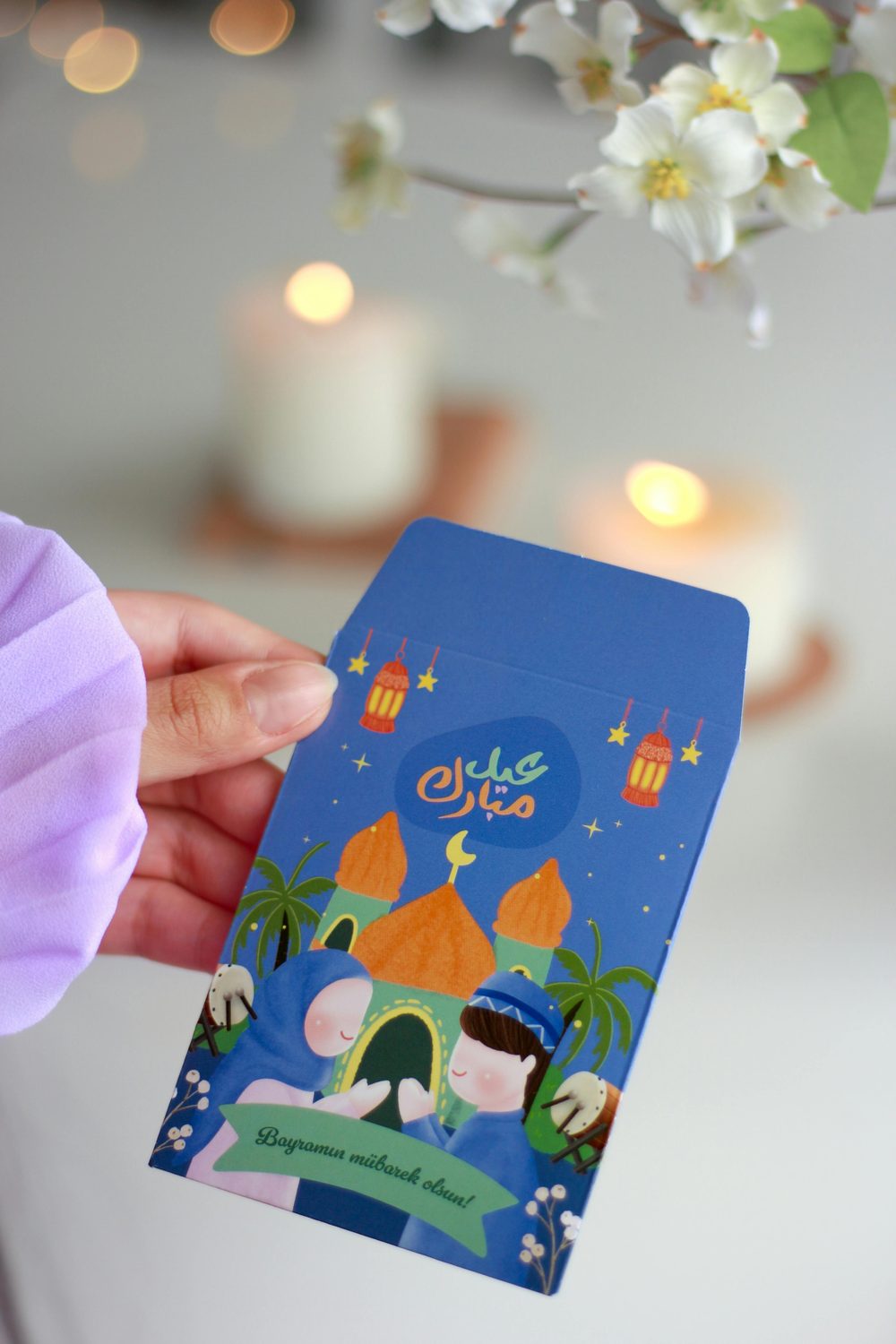
Design a beautiful Eid greeting card in Canva or Google Slides and export it as a shareable link. Generate a QR code pointing to that link. Print the QR code on a small card with "Scan for your Eid greeting" — an elegant, modern alternative to mass-forwarded images. You can use the same card design for your entire family and only change the QR destination for each person.
Eidi Payment Link
If you're giving Eidi digitally — particularly to relatives abroad — generate a QR code that links to your PayPal, Revolut, or bank transfer page. Stick it inside an Eid card envelope. Children and younger relatives especially love receiving Eidi digitally, and a QR code makes it feel like a real gift rather than just a bank transfer notification. For a vCard-style contact share use our vCard QR generator.
Eid Party Invitation
Planning an Eid gathering? Create a QR code that links to a Google Maps location, a WhatsApp group invite, or a simple Google Form RSVP. Print it on your invitation cards. Guests tap and are taken directly to directions or the RSVP form — no typing a long address, no confusion about the location. Add a URL QR code to the back of your invitation card.
Eid Prayer Times & Mosque Location
Create a QR code linking to your local mosque's Eid prayer schedule or Google Maps location. Share it in a family WhatsApp group or print it on a small card for guests who are visiting from out of town. A thoughtful, practical gift for community members and new residents who may not know local prayer times.
Charity & Sadaqah Link
Eid ul Adha is deeply rooted in generosity and sacrifice. Generate a QR code linking to a trusted charity's donation page — Islamic Relief, Penny Appeal, or a local food bank. Include it with your Eid greetings as an invitation for others to join in giving. A QR code removes every friction point from donating — scan, tap, done.
Recipe QR Code for Eid Food
Hosting an Eid lunch or dinner? Link a QR code to your recipes — biryani, haleem, sheer khurma, or whatever your family specialises in. Place it on the table alongside the dish. Guests who ask "how did you make this?" get a shareable link instantly. You can link to a YouTube cooking video, a blog post, or a simple Google Doc with ingredients and steps.
Eid Photo Album Share
After your Eid celebration, compile photos in a Google Photos album or iCloud shared album and generate a QR code linking to it. Print the QR code and include it in a follow-up note to guests — "Here are all the photos from our Eid! Scan to download yours." A beautiful, practical memento that everyone appreciates.
How to Create a Free Eid QR Code — Step by Step
Creating a QR code for Eid takes under two minutes. No account required, no watermark, free to download and print.
Decide What Your QR Code Should Open
Choose what happens when someone scans your code: a website link (video, greeting card, album, charity), a Wi-Fi password, a phone number, or a contact card. The most popular for Eid is a URL — it's the most flexible and works for almost every use case above.
Open the Free QR Code Generator
Go to our free QR code generator — no sign-up, no account, works instantly in your browser. Choose the QR type: URL, Wi-Fi, Phone, Email, or vCard depending on what you're sharing.
Enter Your Content
Paste your link, type your Wi-Fi credentials, or enter your contact details. For a video message, paste the YouTube or Google Drive share link. For a charity link, paste the donation page URL directly.
Customise the Colours (Optional)
Add a personal Eid touch — try green and gold colours to match traditional Eid aesthetics. Keep the pattern dark and the background light for reliable scanning. Avoid very light shades for the QR pattern itself as cameras struggle with low contrast.
Download & Test Before Sharing
Download as PNG. Before printing or sharing, scan the code yourself with at least two different phones to confirm it opens the correct destination. A broken QR code on an Eid card is disappointing — test first, share confidently.
Print, Share, or Send Digitally
Print on cards and gifts, or share the QR code image directly on WhatsApp, Instagram Stories, or email. For printed cards, minimum size is 3×3 cm. Add a short label: "Scan for your Eid greeting 🌙" so recipients know what to expect.
Create your free Eid ul Adha QR code in under two minutes — no account, no watermark, instant download.
Generate Your Eid QR Code Free →Which QR Code Type Should You Use for Eid?
| Eid Use Case | QR Code Type | What to Enter |
|---|---|---|
| Video greeting message | URL | YouTube / Google Drive share link |
| Digital Eid card | URL | Canva, Google Slides, or Notion link |
| Eidi payment | URL | PayPal.me, Revolut, or bank link |
| Gathering location | URL | Google Maps share link |
| Charity donation | URL | Islamic Relief / Penny Appeal donate link |
| Mosque prayer times | URL | Mosque website or Google Maps link |
| Share your contact | vCard | Name, phone, email |
| Share home Wi-Fi with guests | Wi-Fi | SSID + password |
| Call-me Eid card | Phone | Your phone number |
Eid QR Code Design Tips
- Use green and gold colours — these are universally associated with Eid celebrations. Dark green pattern on a white background scans reliably and looks festive.
- Always add a label — write "Scan for your Eid greeting 🌙" or "Tap to watch my Eid message" above the code. Unlabelled codes get ignored.
- Minimum print size: 3×3 cm — for cards held at arm's length. For table displays, go larger (6×6 cm).
- Test on both iPhone and Android — the built-in camera app handles QR codes on both. Confirm on both before printing.
- Send digitally too — share the QR code PNG image on WhatsApp for relatives who won't receive a physical card. They can scan a QR code image directly from their screen.
- Make the destination mobile-friendly — most recipients scan on a phone. Ensure your video, card, or page displays correctly on mobile before sharing.
Can you scan a QR code from a phone screen? Yes — you can share a QR code image on WhatsApp or show it on your phone screen, and someone else can scan it with their camera. The QR code doesn't need to be printed to work.
Frequently Asked Questions
Do I need an app to scan an Eid QR code?
No. Every iPhone (iOS 11 and later) and Android phone (Android 9 and later) scans QR codes through the built-in camera app. Just open the camera, point it at the QR code, and tap the notification that appears. No download needed — perfect for all ages including grandparents and young children.
Is it free to create a QR code for Eid?
Yes — completely free. Our QR code generator creates unlimited QR codes at no cost, with no account required and no watermark on the downloaded image. You can create as many as you need for cards, gifts, and digital sharing.
Do Eid QR codes expire?
The QR code itself never expires — it's just a pattern that encodes a link. However, if the link it points to is deleted (e.g. the YouTube video is removed or the Google Drive file is unshared), scanning will fail. Keep the destination active as long as you want the code to work.
Can I send a QR code on WhatsApp for Eid greetings?
Absolutely. Download the QR code as a PNG image and send it on WhatsApp like any photo. The recipient opens the image, opens their camera, and scans it directly from their screen. Many people don't realise you can scan a QR code that's displayed on another phone screen — it works perfectly.
What's the best QR code type for sending Eidi money digitally?
Use a URL QR code pointing to your PayPal.me link, Revolut payment link, or your bank's transfer page. The recipient scans, taps, and sends — it's faster and more personal than just texting your bank details. For UK users, Monzo and Revolut both generate shareable payment links that work perfectly as QR code destinations.
Can I use a QR code in an Eid invitation card?
Yes — it's a great addition. Link the QR code to a Google Maps location, RSVP form, or WhatsApp group invite. Print it on the back of your invitation with a short label. Guests get directions and group access instantly, without you needing to send separate messages to everyone.
Can I customise the QR code with Eid colours?
Yes. Our generator lets you change the foreground and background colours. For an Eid theme, try dark green (#0a4d2e) on white, or gold (#c9a84c) on white. Always keep the pattern darker than the background — light-on-dark QR codes can scan unreliably on older phones.
Eid Mubarak — Make This Eid More Connected
Whether your family is gathered around one table or spread across three continents, a simple QR code makes Eid greetings richer, more personal, and more memorable than a forwarded WhatsApp image. From video messages on gift tags to charity donation links on greeting cards, the possibilities are limited only by your creativity.
Create yours in under two minutes — completely free, no account, no watermark. Download, print or share, and let your loved ones scan their way into your Eid greeting this year.
Free QR code generator — URL, Wi-Fi, vCard, Phone & Email. No sign-up. Instant download.
Create Your Free Eid QR Code →